Skip to content
Solutions · Web apps

Dynamic web application design, built around how your business works

Some businesses outgrow a website. You’re juggling bookings in WhatsApp, orders in a spreadsheet and invoices in yet another tool. What you need isn’t more pages. It’s a system.

I design and build web apps that fit the way you already work: booking systems, admin dashboards, client portals, order and invoice tools. Designed with UX first, so your team actually uses it.

  • Custom web apps from €3,499
  • Designed with UX first
  • Built with a senior full-stack developer
Real work

Web apps running real businesses

Websites with a web app behind them. The dashboards hold client data, so they stay private; here you see the front.

Photographer · Website + admin app

LHR Photography

A photographer’s public website, plus a private dashboard that runs the business: bookings, clients and invoicing in one place. The website brings people in. The app keeps everything after that out of WhatsApp and spreadsheets.
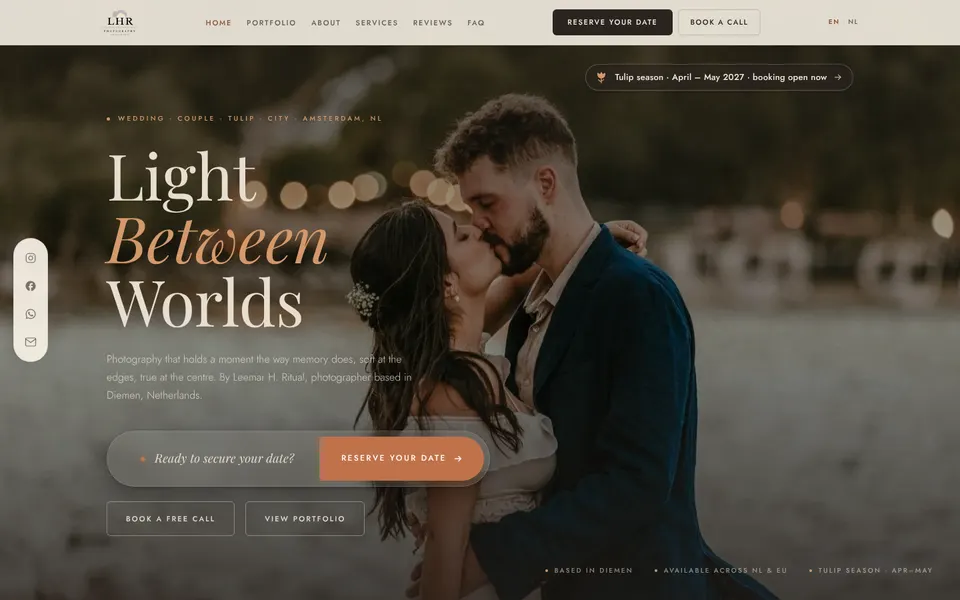
LHR Photography website
Custom cakes · Orders + dashboard

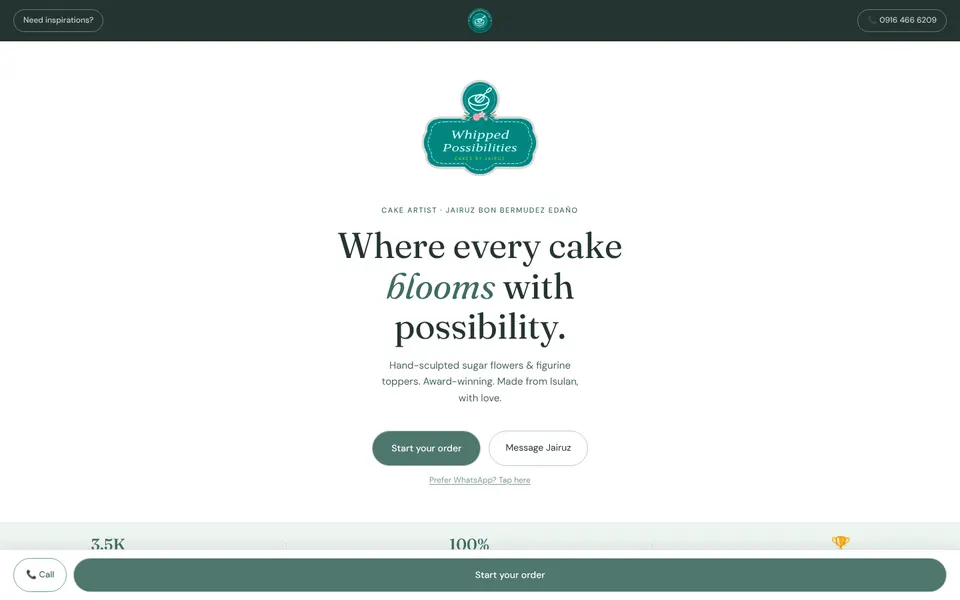
Whipped Possibilities

A booking and enquiry website for a custom cake business, with an order dashboard behind it. Every cake request arrives structured, with the details the baker actually needs.

Whipped Possibilities website
Sound familiar?

What a web app takes off your plate

If this sounds familiarA web app can
Bookings come in via WhatsApp, email and phoneCollect them in one calendar with automatic confirmations
You retype the same client data three timesStore it once and reuse it for quotes, invoices and follow-ups
You don’t know which orders are still openShow every order with its status on one dashboard
Clients keep asking “where are we?”Give them a portal where they can see progress themselves
Your spreadsheet has become a full-time jobReplace it with something built for your exact process
How I work

Process first. Screens second.

The most common reason internal tools fail isn’t bugs. It’s that staff go back to the old way because the new one is harder. That’s a UX problem, and that’s where I start.

  1. Map your process

    Before any screen, I learn how work actually flows through your business, including the workarounds.

  2. Design the daily screens

    Wireframes, then a clickable prototype you test with the people who’ll use it.

  3. Build with a senior developer

    For complex back ends I work with my senior full-stack developer, Benjamin. You keep one point of contact: me.

  4. Launch small, then grow

    Start with the feature that saves the most time. Add more once it’s proven.

Larger websites

Need a large website instead?

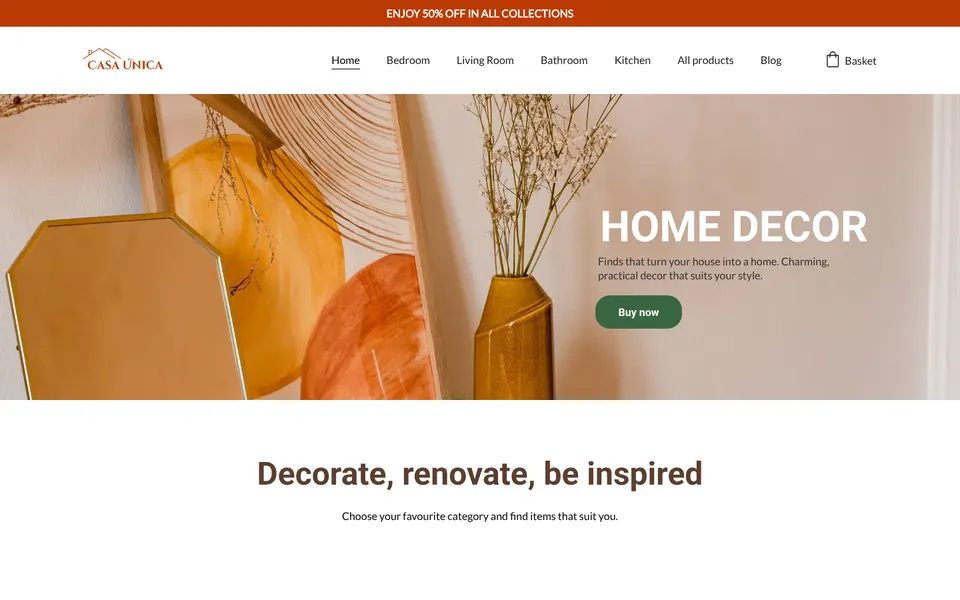
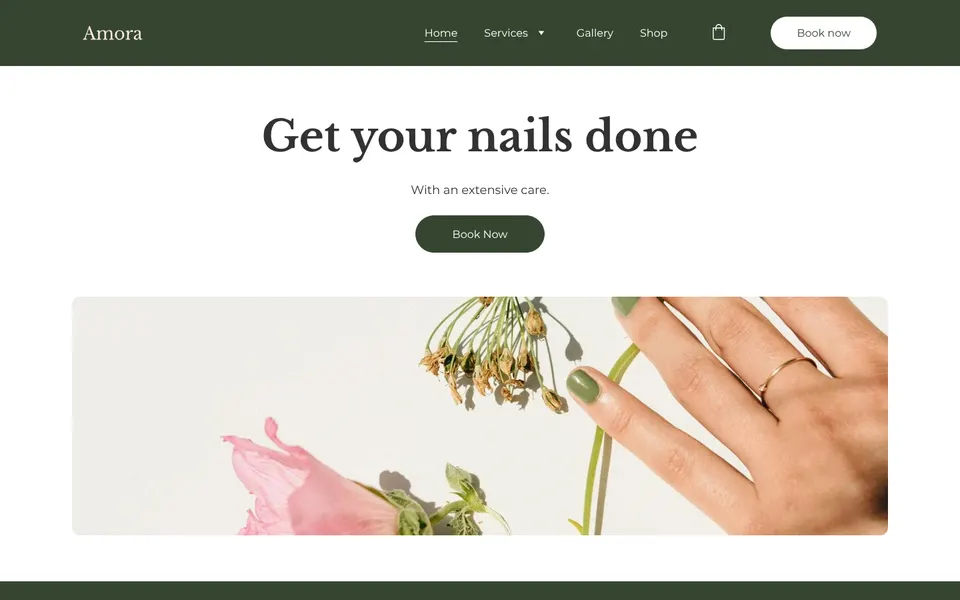
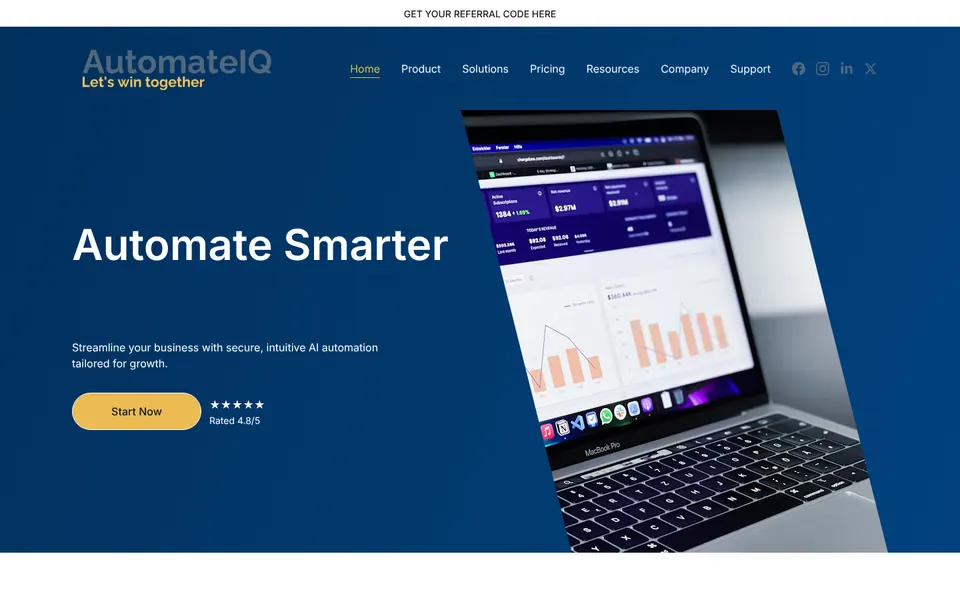
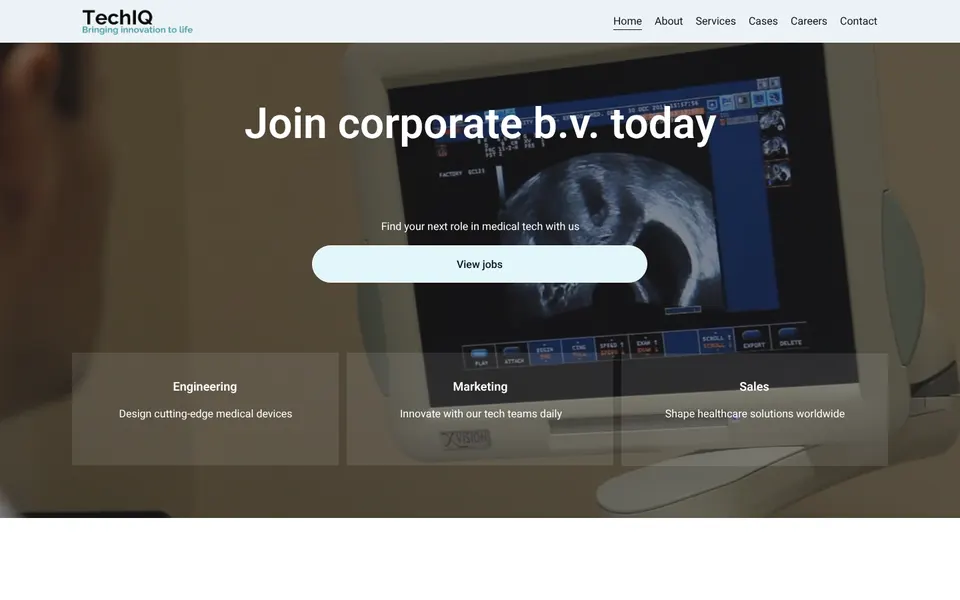
Not every growing business needs an app. For webshops, content platforms and multi-department sites, these structures are a good starting point. The texts and photos in the demos are samples.

E-commerce

Structured webshop

Best for: Businesses selling at moderate scale that need structure, not just a shop

  • Catalogue structure (up to ~50 products)
  • Category, filter and product detail patterns
  • Conversion-focused checkout flow
  • Responsive, scalable architecture
Content

Content-heavy platform

Best for: Organisations with lots of structured content and several user journeys

  • 10+ dynamic content pages
  • Layered navigation and information architecture
  • Articles, cases, resources and updates
  • Flows built for discovery and comparison
Corporate

Multi-section corporate site

Best for: Established businesses with several departments, services or audiences

  • Services, teams, resources and insights sections
  • Separate entry points per audience
  • Dynamic page patterns
  • Built to be updated for years
FAQ

Questions I get asked

What’s the difference between a website and a web app?

A website mainly shows information. A web app lets people do things: book, order, log in, manage data. Many businesses need both: a public website in front, an app behind it.

How much does a custom web app cost?

From €3,499 for a website with one web app. It depends on features, users and integrations. The free intro call gives you a realistic range, and the free estimate tool a first number in a few minutes.

Can it connect to tools I already use?

Usually, yes. Calendars, payment providers, email and many CRMs have integrations. I’ll check yours during the intro call.

Will it work on phones?

Yes. Every app is designed responsive, because a lot of business admin happens on a phone between appointments.

What happens after launch?

Monthly support plans cover updates, fixes and small improvements, so your app keeps working as your business grows.

Running your business on spreadsheets and WhatsApp?

Let’s map what you do today and see what a simple app could take off your plate.